The Navigation menu controls the order of pages in your site
(If no pages appear under navigation, they will be in the right menu, under “Add a link to a site page” – click on them to add them to the Navigation)
- You can move a page by dragging it – where the arrow appears is where the page will move to if you drop it
- When the arrow is at the top or bottom of a page, dropping the page will put it between those two pages
- When the arrow is in the middle of a page, dropping the page will make it a subpage of the page – and it will appear indented and below that page
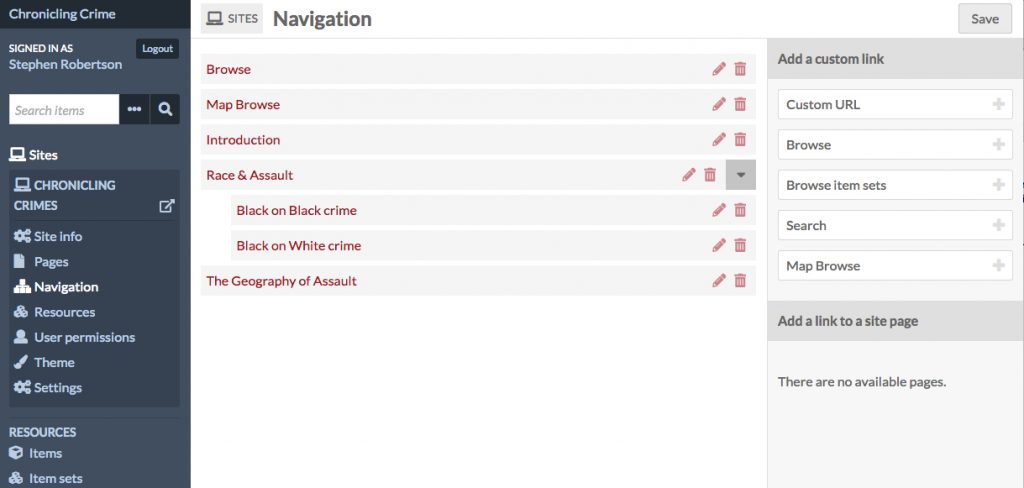
Make sure you hit SAVE when you are finished
